


















GOV.UK sets the photo rules for British passport applications, and this guide takes you through them before you shoot. You will see the print size expected for postal applications, the minimum digital dimensions accepted online, the light grey or cream background required behind you, the plain expression authorities look for, and the recency limit on every accepted photo. PicToPassport then prepares a compliant photo in your browser, giving you a file you can compare against each section of this guide before submitting.
Why UK passport photo rules are strict
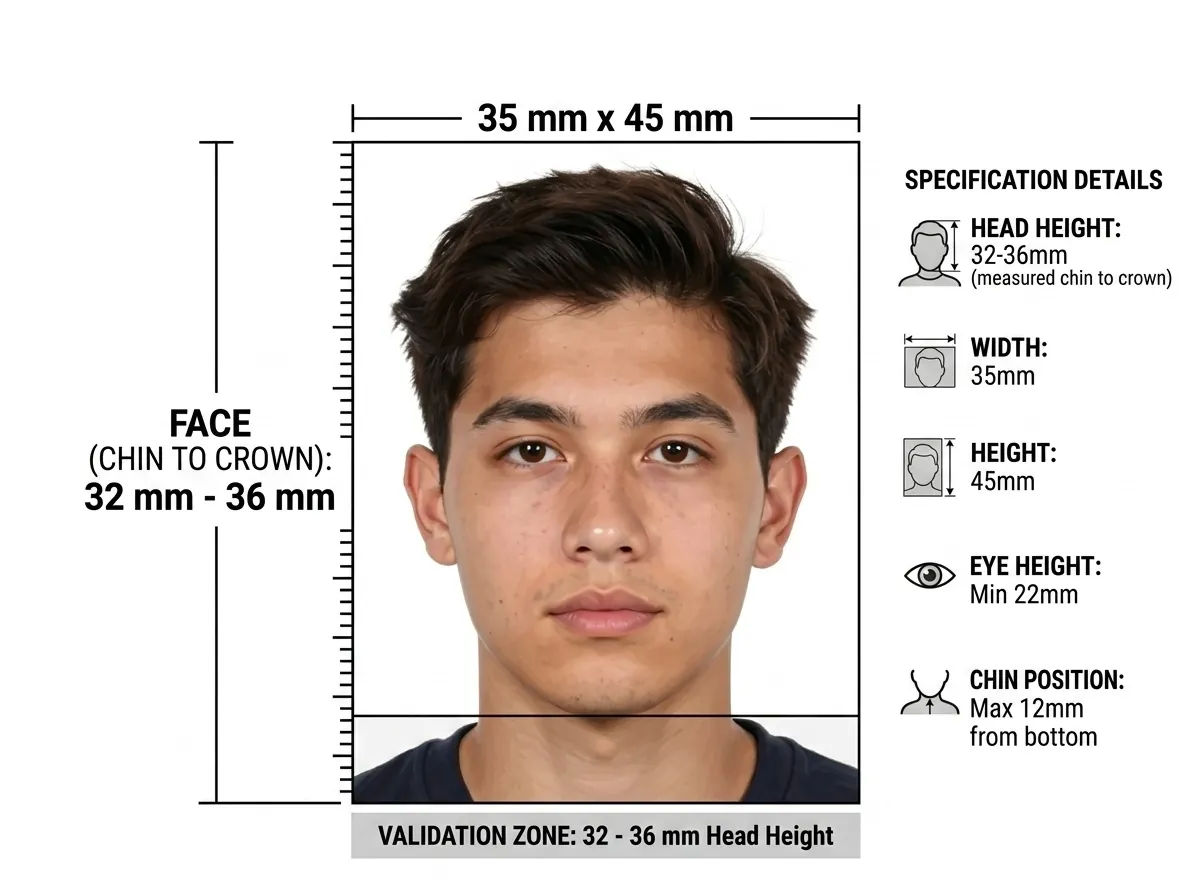
A GOV.UK photo must land inside 35 mm × 45 mm with the head at 29 mm – 34 mm, and it must sit against light grey or cream rather than pure white. Step outside any of those and the application is returned, sending you back to the camera for a fresh shot. Because a UK photo stays valid for only a month, fixing the frame and background now saves a repeat visit later.
Official Photo Size
The required UK passport photo size is 35 mm wide × 45 mm tall. This is the standard biometric format used across Europe. The face from chin to crown must measure between 29 mm and 34 mm for adults. Children under 6 have the same head size range. Always verify with the official GOV.UK passport photo guidance before submitting.
A phone photo almost never comes out at the right dimensions, so scale it to the sheet: Photo Resizer
Background and Lighting
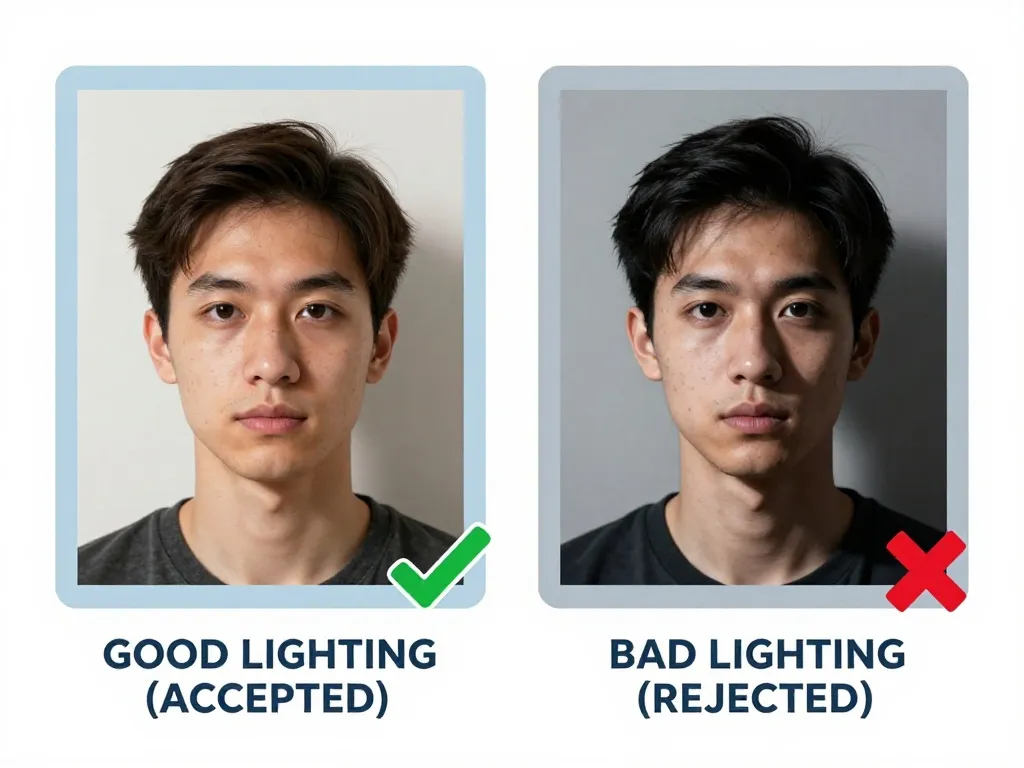
The background must be plain light grey or cream — not pure white. Lighting should be even across the face with no shadows on the background or behind the ears. Natural daylight from a window works well, but avoid direct sunlight that creates harsh shadows. The photo must be printed on plain white photographic paper with no border.
Expression and Pose
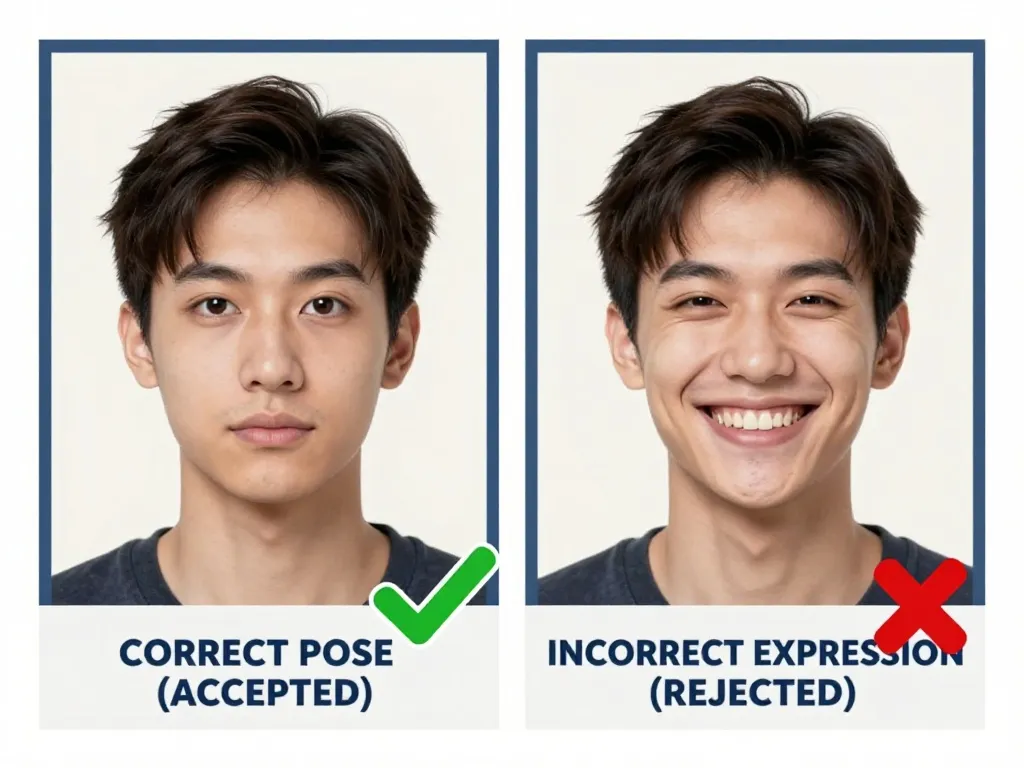
British photos require a neutral expression, mouth closed, looking straight at the camera — no smile, no grimace, head level. The UK rule that surprises people concerns spectacles: reading glasses are allowed only if the eyes show fully through clear lenses with no glare, while sunglasses and tinted glasses are refused outright. Remove tinted pairs entirely, position clear ones so no reflection crosses the pupil, and keep hair from falling over the eyes.
Glasses and Accessories
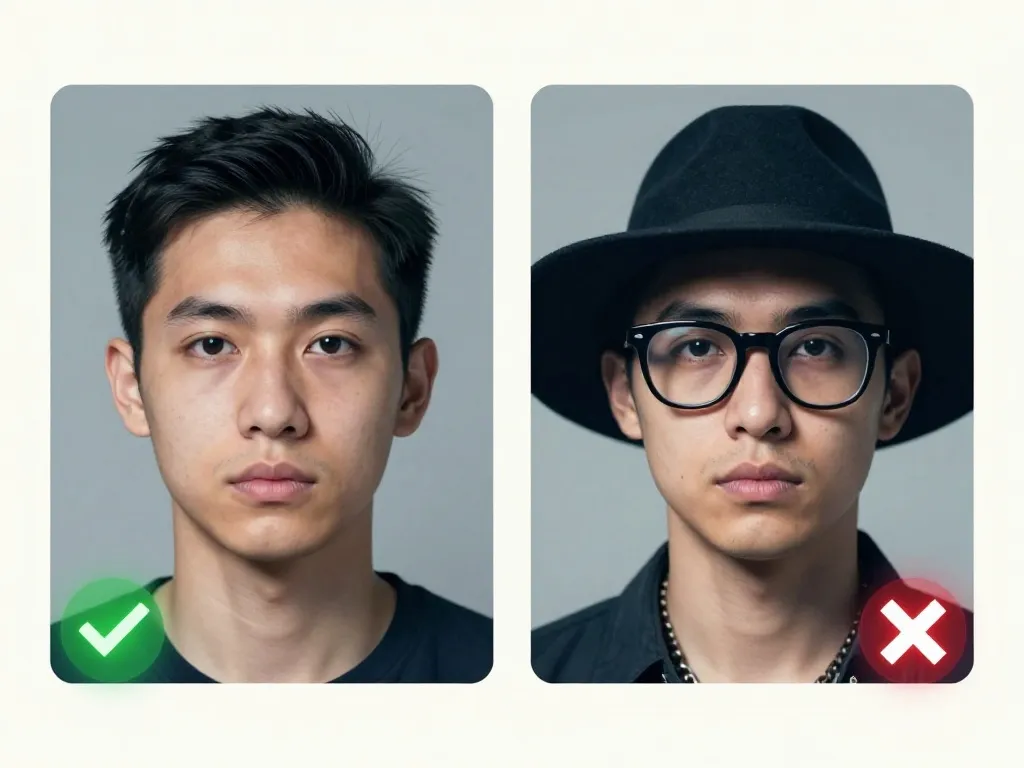
Sunglasses and tinted glasses are not allowed. You can wear reading glasses if your eyes show fully through clear lenses with no glare or reflections. Head coverings are permitted for religious or medical reasons, but the face must remain fully visible from chin to forehead. No headbands or hats that shade the face.
Face Visibility
UK passport officers measure the head at 29 mm to 34 mm within the 35 mm × 45 mm frame — a narrow band that leaves a small gap above the crown and below the chin. Too much headroom or a cropped hairline fails the check, and the background must be plain light grey or cream rather than white. Digital submissions hold the same geometry at a minimum of 600 × 750 pixels.
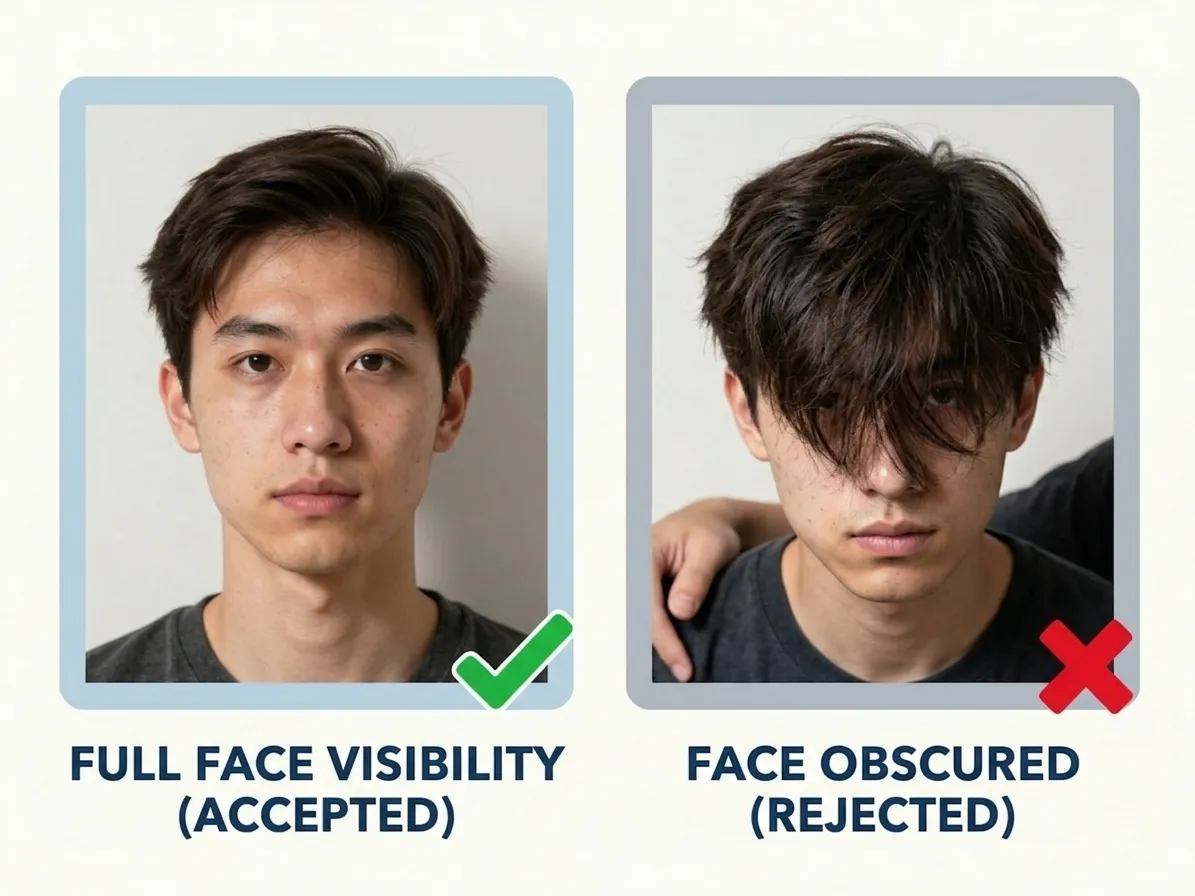
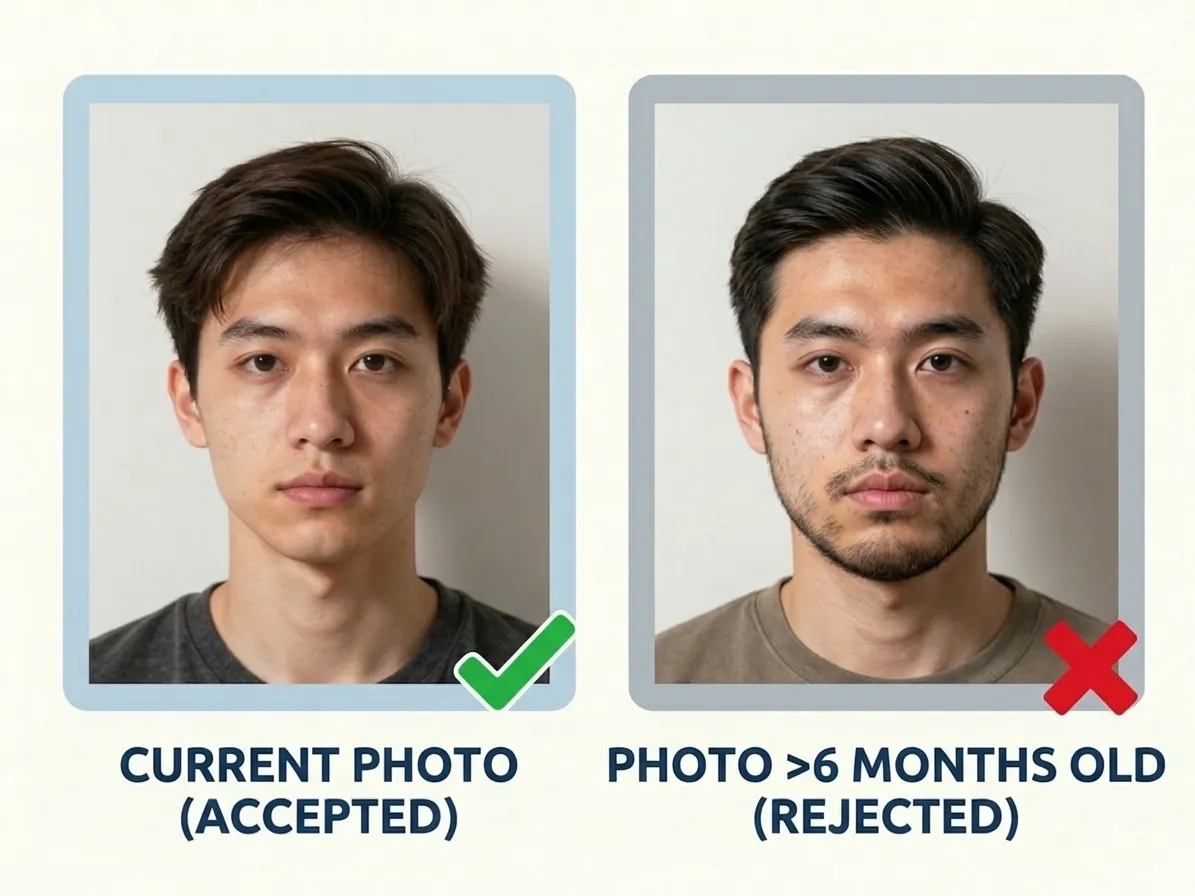
Photo Recency
Britain's window is a single month: the photo must have been taken within the last month, one of the tightest recency rules anywhere. A picture from a work party, a family holiday or an earlier failed application will usually sit outside it, and a light grey background hides how an old print has faded. Retake in the week you apply, whether you are posting two paper photos or uploading one digital image.
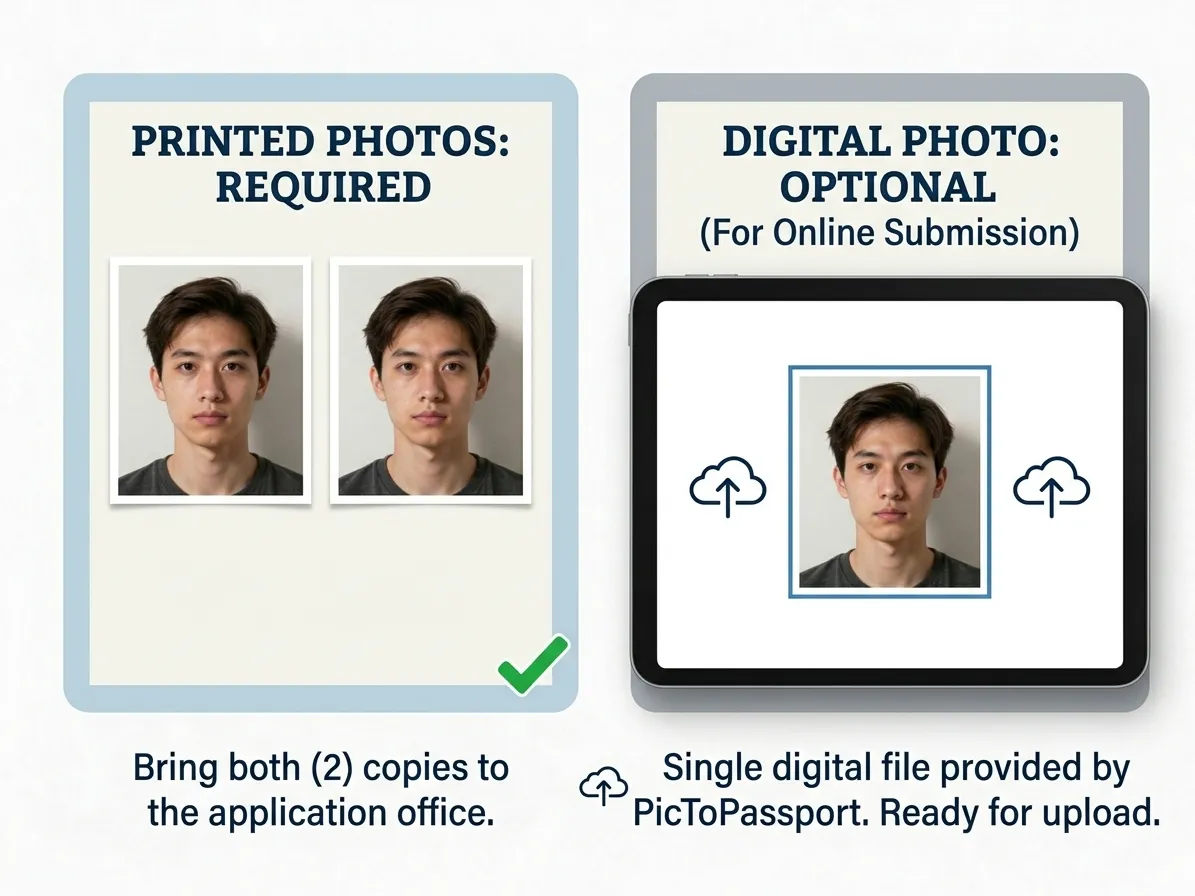
How Many Copies You Get
When you use PicToPassport, you receive a digital file ready for online submission plus a print-friendly layout with multiple copies on a single page. The digital file must be at least 600 pixels wide and 750 pixels tall, between 50 KB and 10 MB. You can upload it directly to your application or take it to a photo shop for printing.
When the stated cap is in KB, you need a file you can measure, not guess at: Compress Image to KB
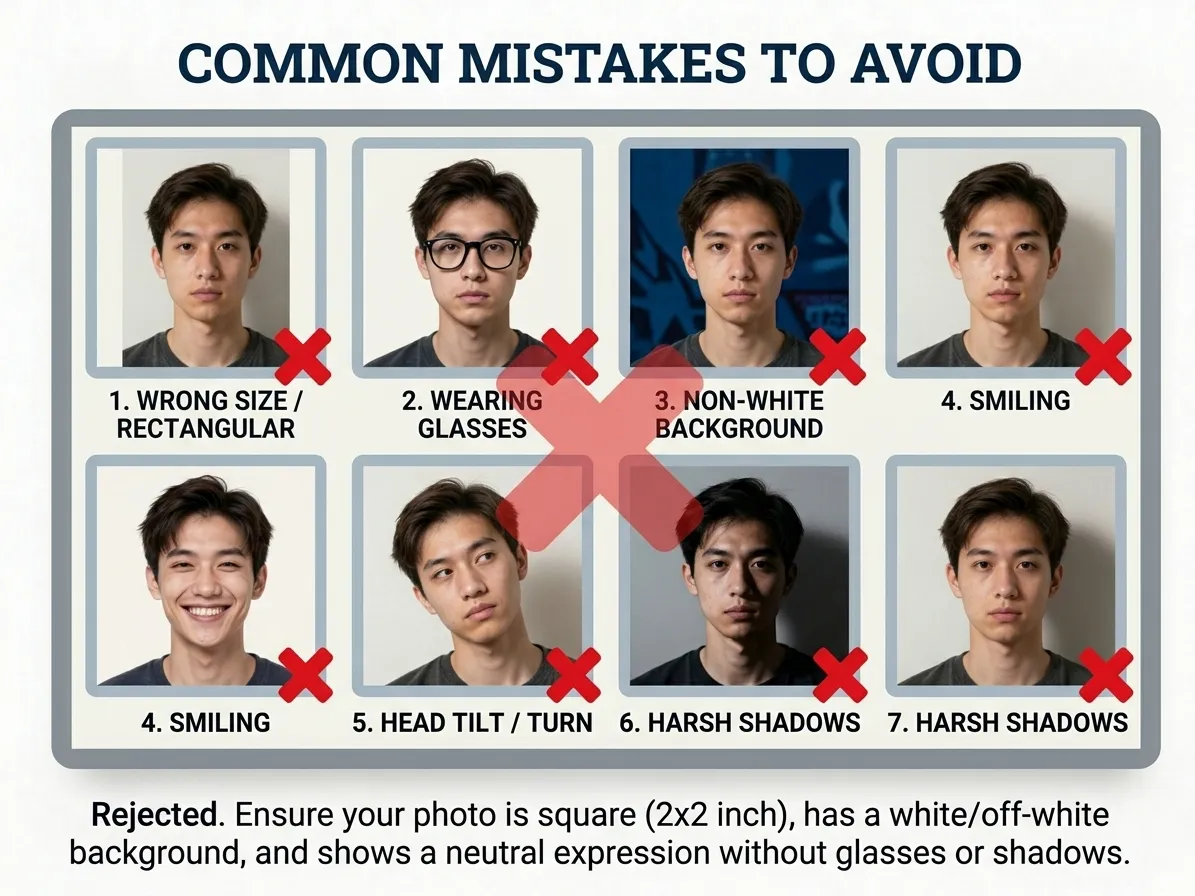
Common Mistakes to Avoid
The most frequent reasons for rejection are wrong dimensions, a pure white background instead of light grey or cream, shadows on the face or behind the head, and wearing sunglasses. Other issues include tilting the head, smiling, having hair cover the face, or using a photo that is too old. Always double-check the UK passport photo requirements before submitting.
If the application wants a format your phone did not save, convert it before you upload: Convert Image Format
Baby Passport Photos
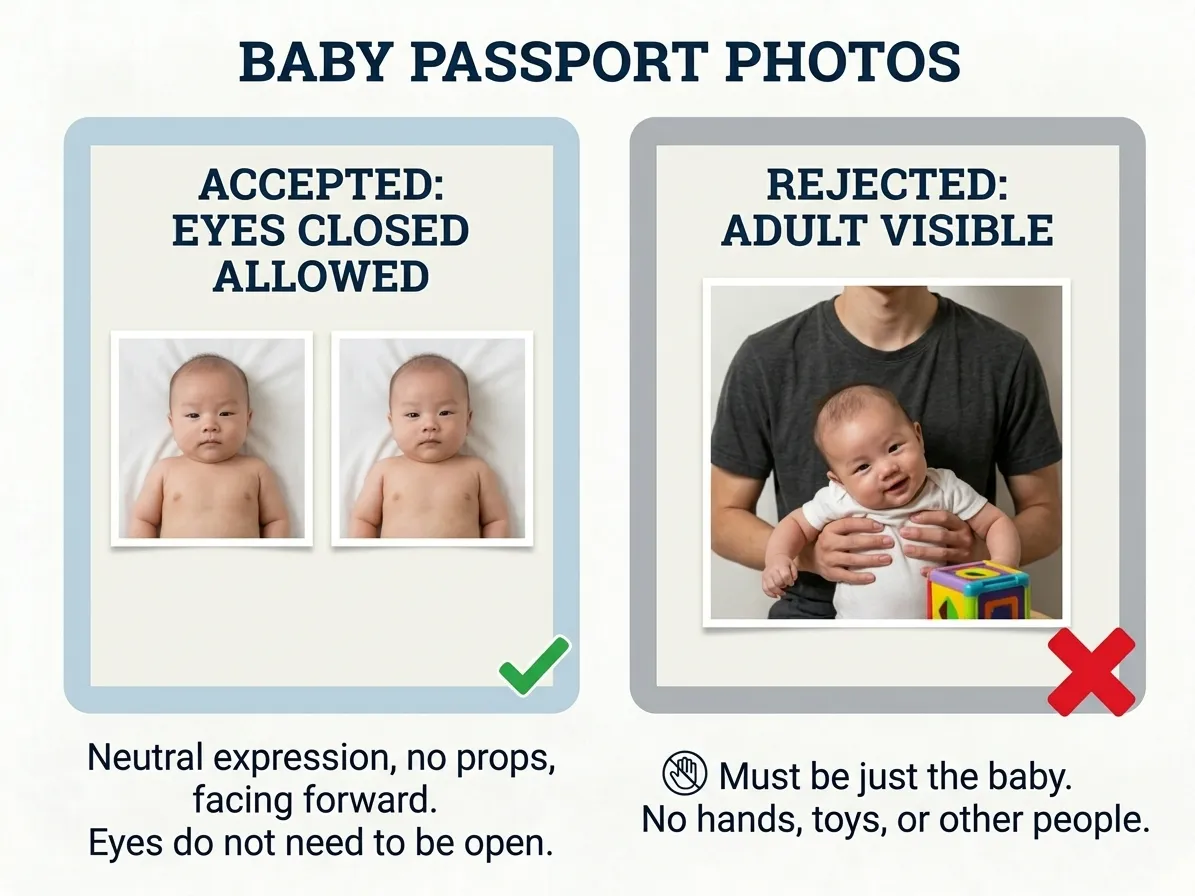
No separate infant rule appears in the UK guidance, so the baby is framed to the adult specification: 35 mm × 45 mm, plain light grey or cream background, head between 29 mm and 34 mm. Lay the baby on a grey sheet, shoot from above in daylight, and keep hands, toys and dummies out of the border. Support the head from behind and take a short burst, choosing a frame where the eyes are open and the face is square.
Using PicToPassport
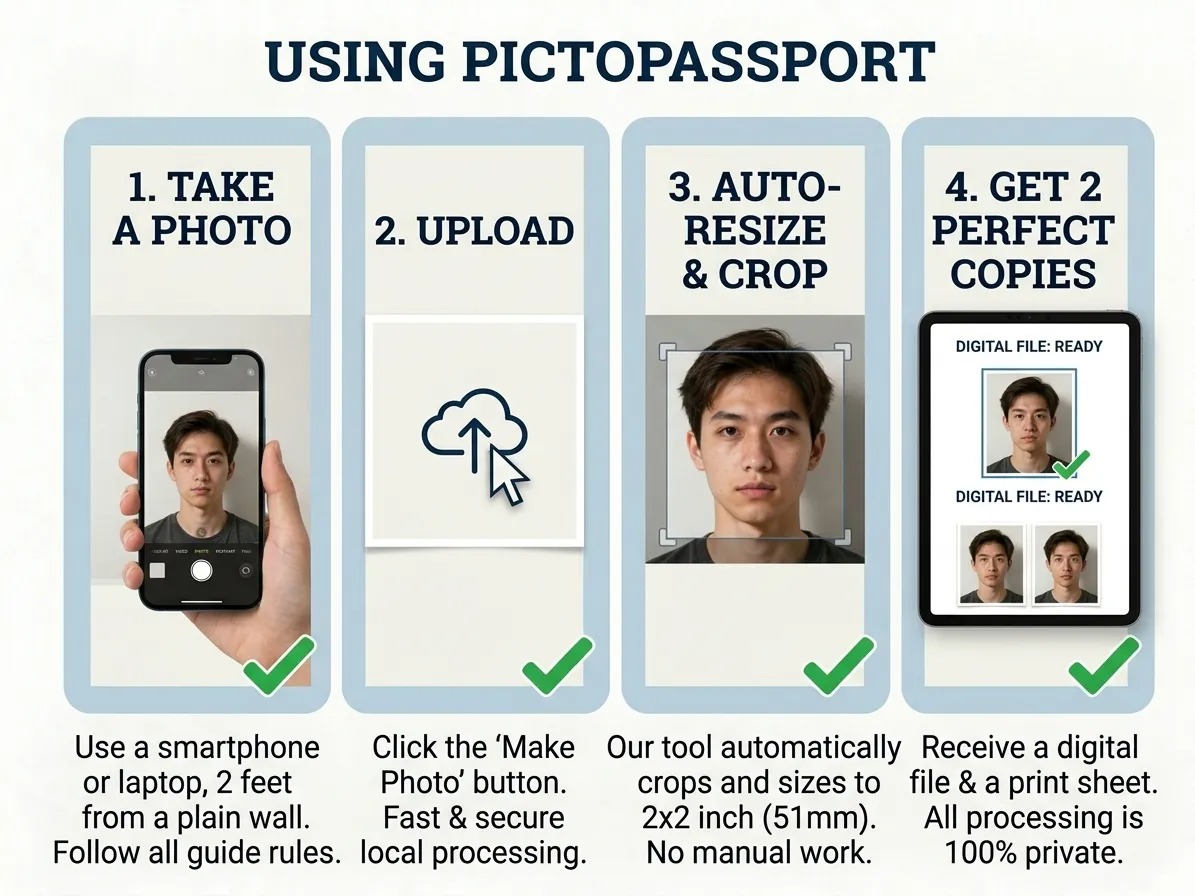
British photos are 35 mm × 45 mm with head height 29 mm – 34 mm, and PicToPassport builds one free inside your browser. The background is plain light grey or cream — never pure white — and you keep a neutral expression while looking straight at the camera. Output suits both routes: 2 photos printed on plain photographic paper for a postal application, or a digital file of at least 600 × 750 px for upload. Nothing is sent to a server; the file stays on your device.
Get Started in Minutes
GOV.UK charges £102 for an adult passport applied for online, and 99.7% of standard applications are processed within 3 weeks — 2 photos by post, or 1 digital photo online. Make yours now: PicToPassport runs free in your browser, produces the 600 × 750 px file or a print-ready sheet, and never sends your image anywhere, because everything stays private on your device.

