


















New Zealand's passport photo rules have an unusual twist — the background must be light-coloured but not white. This single detail trips up many applicants. The rules also specify a maximum head size of 65% of the photo, a 6-month recency window, and strict online format requirements. This guide explains the official requirements and how PicToPassport helps you create a compliant photo for free, entirely in your browser.
Why New Zealand passport photos are rejected
New Zealand passport applications are rejected most often for background issues — a white background that should be light-coloured, a head that is too large or too small, or an old photo. Because online applications also require a specific 4:3 aspect ratio and pixel range, getting the technical details right the first time saves a trip back to the post office or DIA office.
New Zealand passport photo size guide
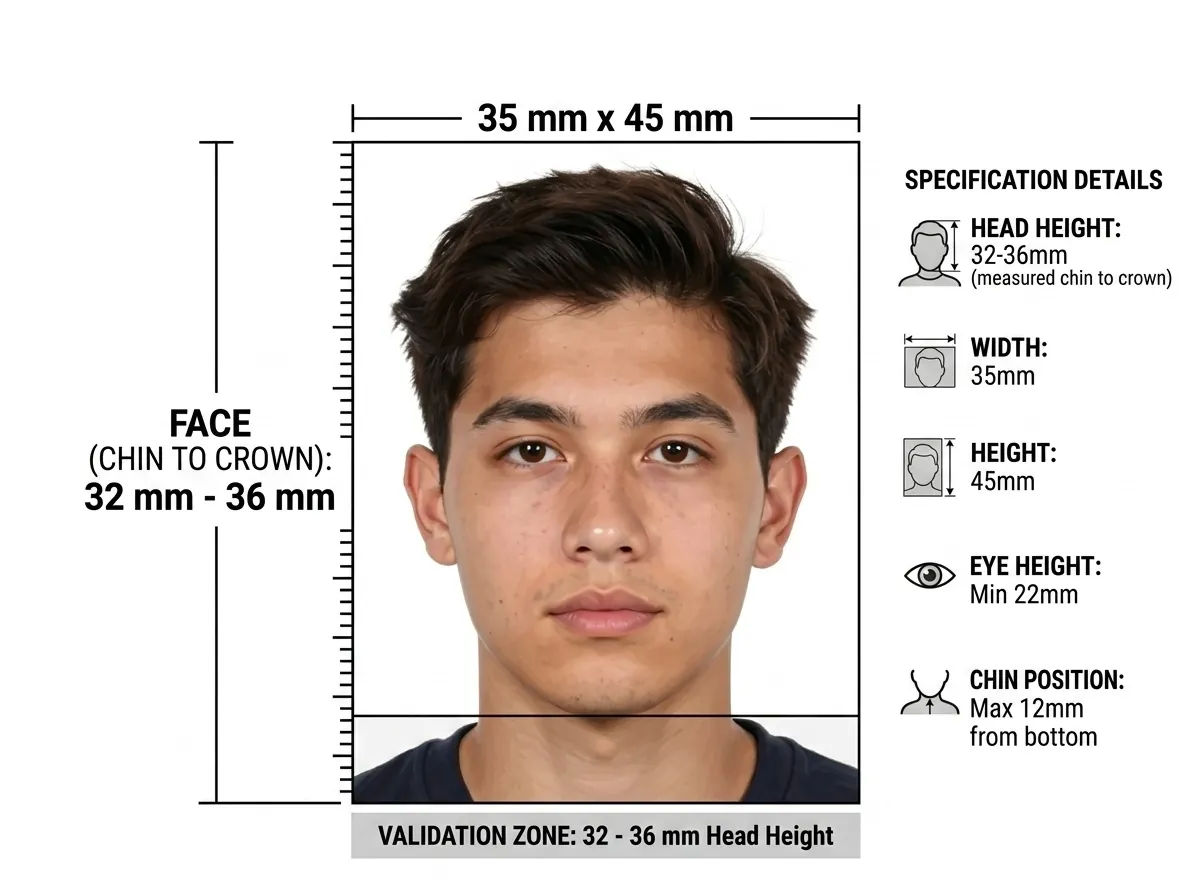
The required New Zealand passport photo size is 35 mm wide × 45 mm tall. You need 2 identical photos for paper applications. For online submissions, the digital photo must be in 4:3 portrait aspect ratio, between 250 KB and 10 MB, with dimensions of 900–4500 px wide and 1200–6000 px high. Scanned photos are not accepted for online applications. Always verify with the official Department of Internal Affairs before submitting.
Most rejections are file size rather than pixels, so shrink it until it clears the limit: Compress Image to KB
New Zealand backgrounds must not be white
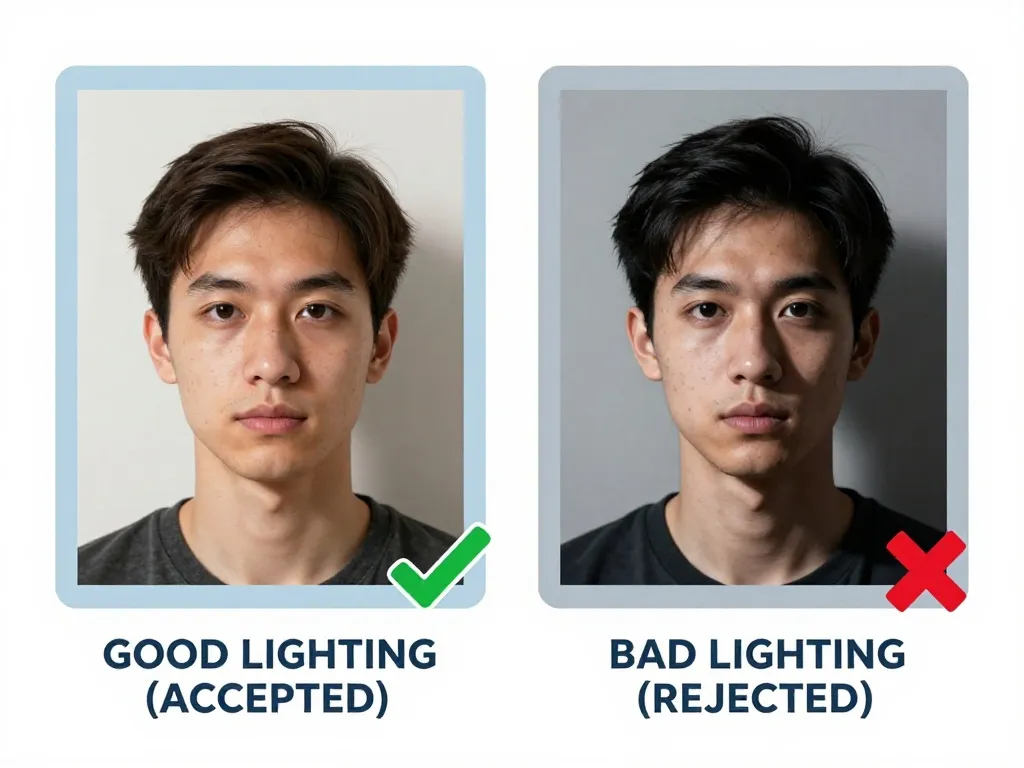
The background must be plain and light-coloured, but not white. A strong contrast between the subject and the background is required, with no shadows on the face or background and no reflected light. This is one of the few countries that explicitly rejects a white background, so a light grey, cream, or pale tone is the safest choice.
New Zealand expression: neutral, not smiling or frowning
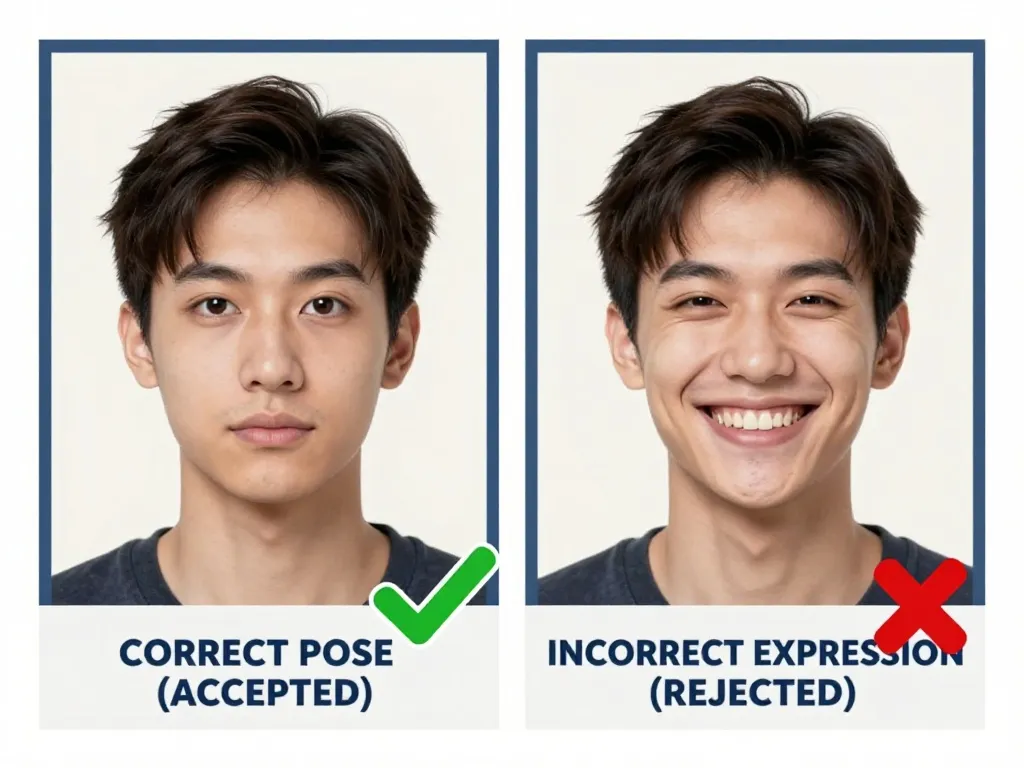
New Zealand asks for a neutral face — not smiling, not frowning — with the mouth closed and the eyes open. Transparent lenses are acceptable, but heavy-rimmed frames are not, and headbands or any head covering are refused outright. Hair must be off the face and clear of the eyes. Each of those conditions is checked before the photo is accepted, so a grin or a fringe across the forehead sends the application back.
New Zealand passport photos and heavy-rimmed glasses
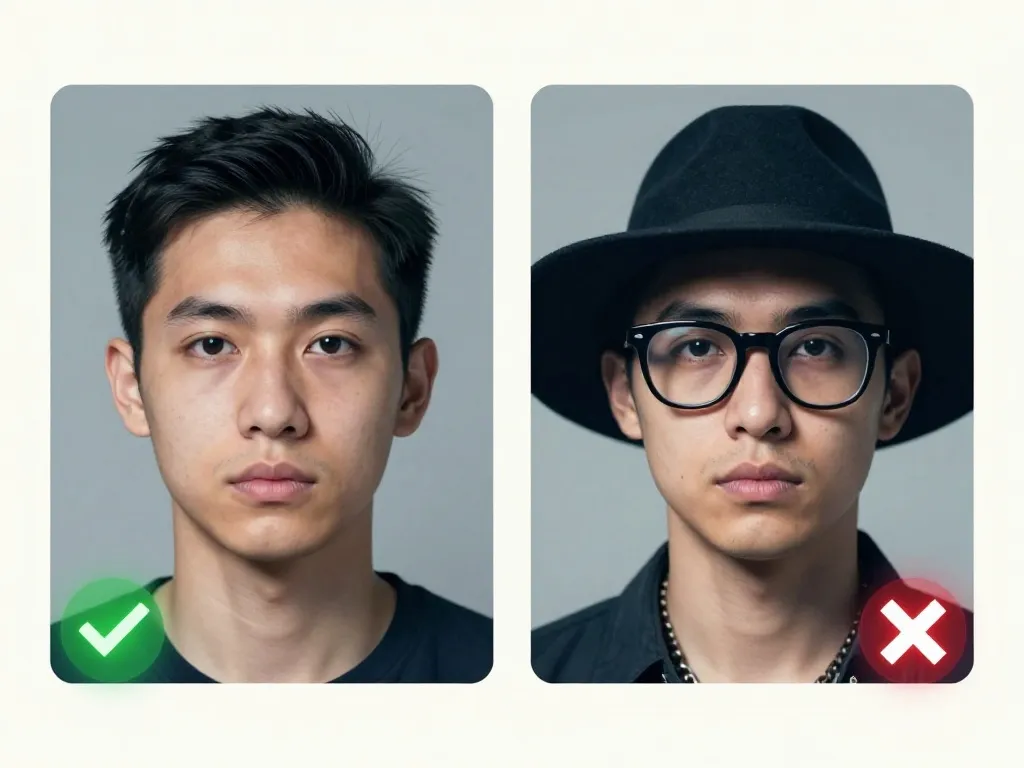
Glasses are allowed if your eyes are clearly visible through the lenses with no reflection. Heavy-rimmed frames are not permitted. Sunglasses and tinted lenses are also prohibited. Headbands and all head coverings are not allowed — this rule does not include a religious exception. Hair must not fall across the face or eyes.
Head up to 65 percent, hair and face included
The New Zealand ceiling is unusual: the head, hair included, must stay under 65% of the photo, and it must be centred with a clear gap at both sides and across the top. Many applicants fail by filling the frame. Against the 45 mm height, 65% works out to roughly 29 mm including hair, so measure the printed head and keep the full sheet at 35 mm × 45 mm.
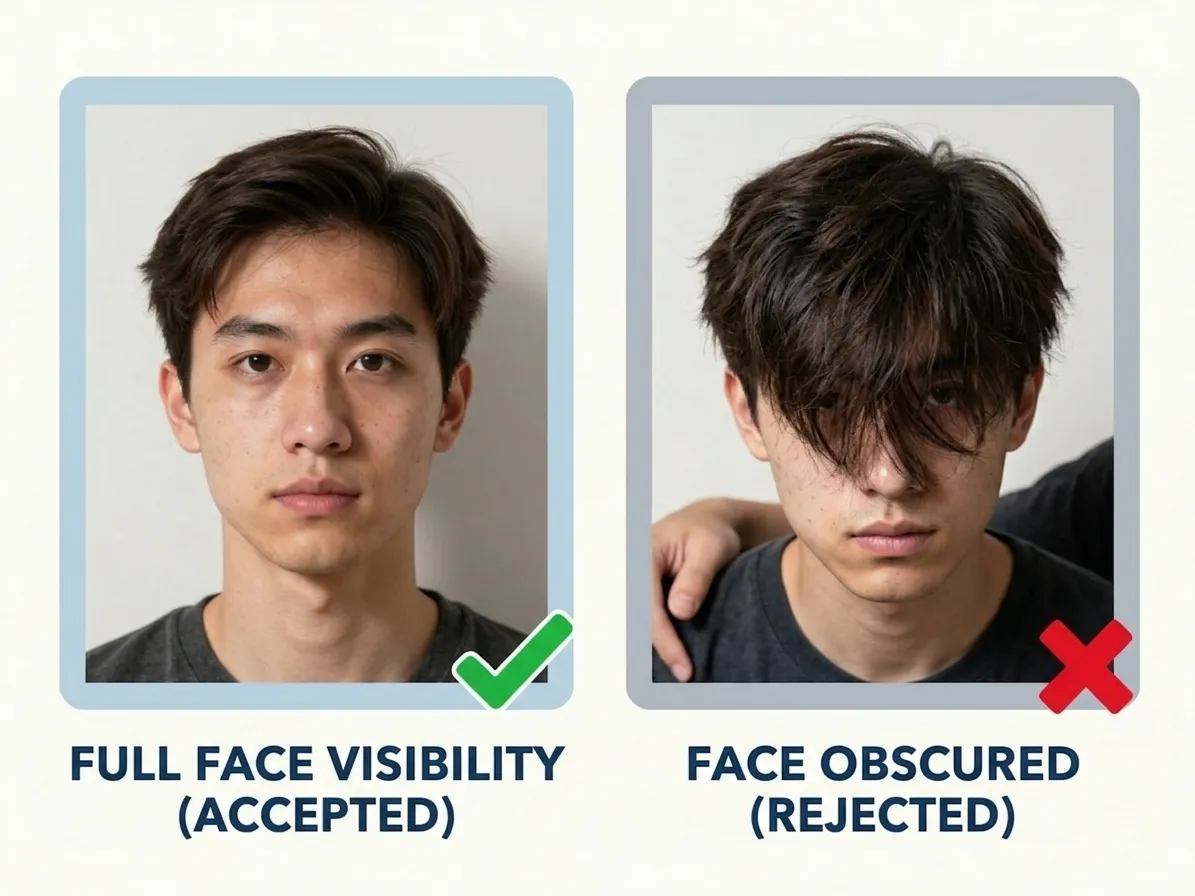
New Zealand passport photos must be under 6 months old
Your photograph must be less than six months old. Six months is generous next to tighter jurisdictions, yet it still disqualifies the print you used for an older application. Check the date before posting a paper form, and for the online route upload a file shot in the same year as the submission that still shows your current hair, weight and spectacles. Dated photos are cheap; a rejected application is not.
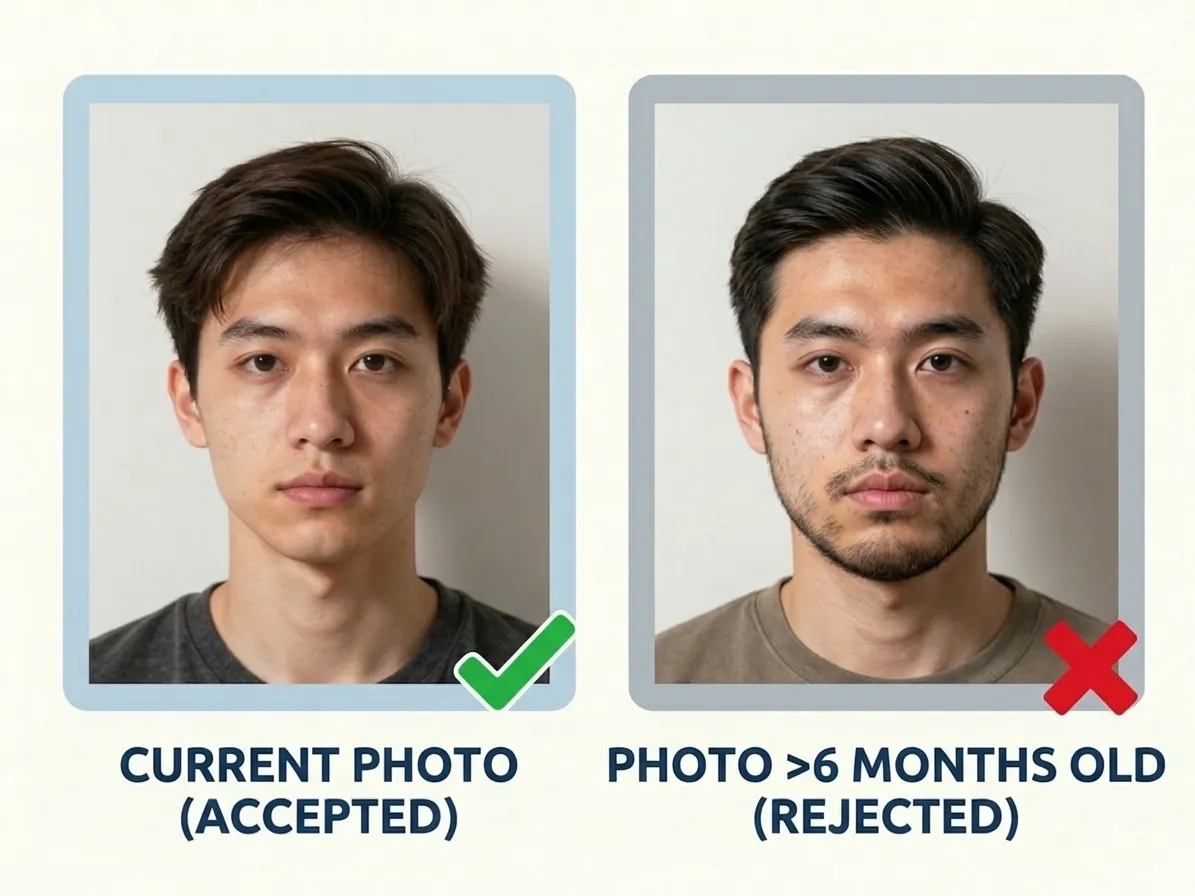
How many copies: two paper and one digital in New Zealand
You need 2 identical photos for paper applications. For online submissions, you upload a single digital file. With PicToPassport, you receive a digital file cropped exactly to 35 × 45 mm, ready for upload or printing. The print sheet produces multiple copies on photo-quality paper — avoid high gloss, inkjet, or thermal papers.
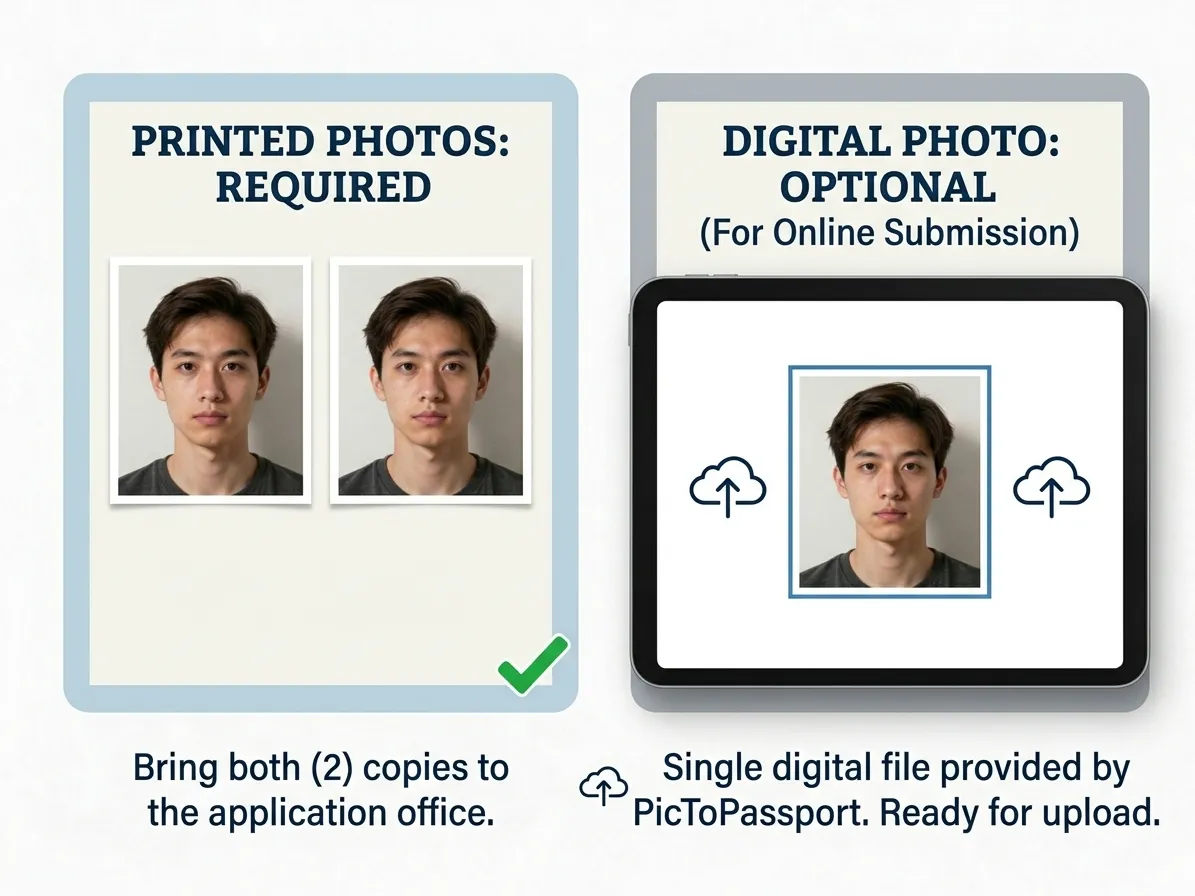
New Zealand photo mistakes that get rejected
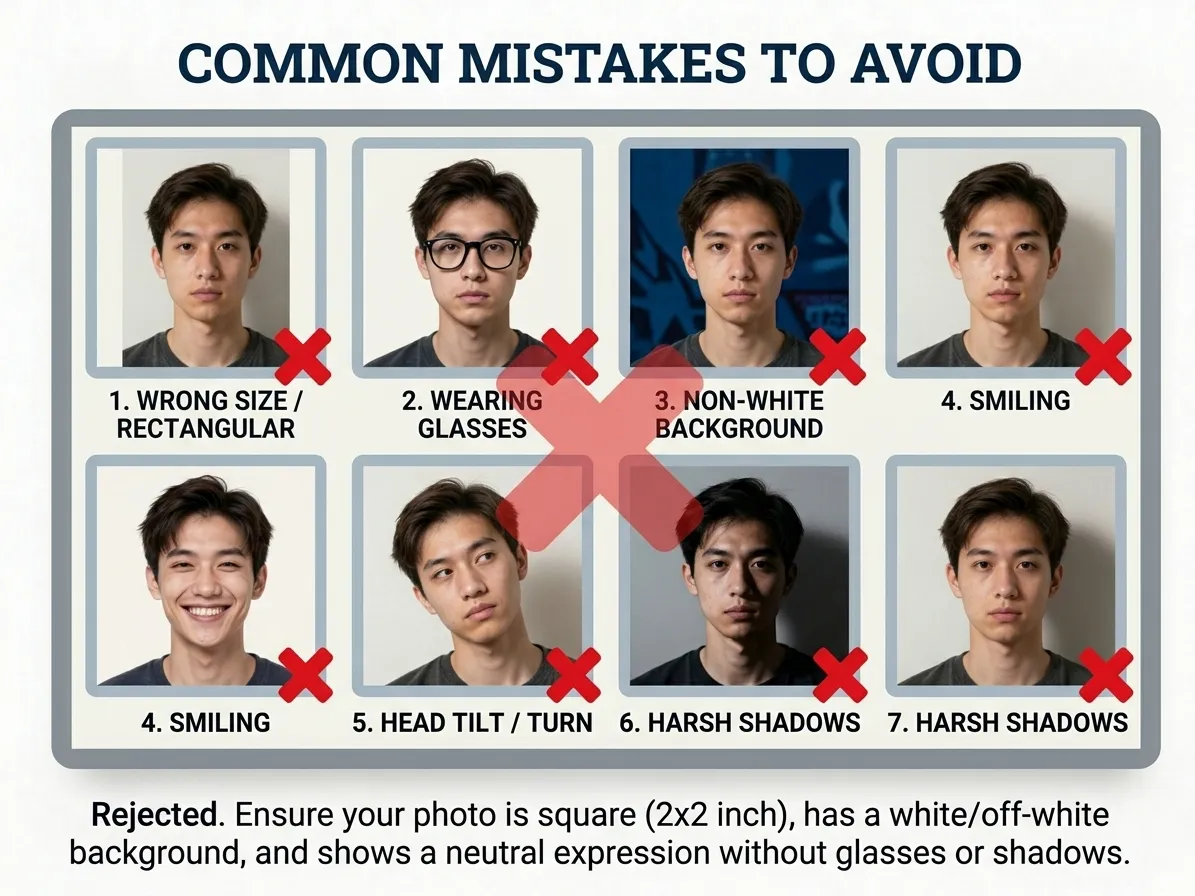
The biggest mistake is using a white background — New Zealand requires a light-coloured background that is specifically not white. Other common errors include a head that is too large (over 65%), heavy-rimmed glasses, headbands, a photo older than 6 months, or smiling. Avoid inkjet prints and extremely high gloss paper for print applications.
Portals reject the right photo in the wrong file type, so check the extension first: Convert Image Format
New Zealand child photo rules explained
New Zealand insists that a baby’s eyes be open, so photograph the child awake and alert. The same 35 mm × 45 mm sheet applies, the head — hair included — must stay under 65% of the frame, and the background must be light-coloured but never white. Use a cream or pale grey sheet, shoot from slightly above in even daylight, and keep the head centred with clear space at the sides and top.
Expect a few attempts before one passes, and a tool built for babies makes the first count: Baby Passport Photo Maker
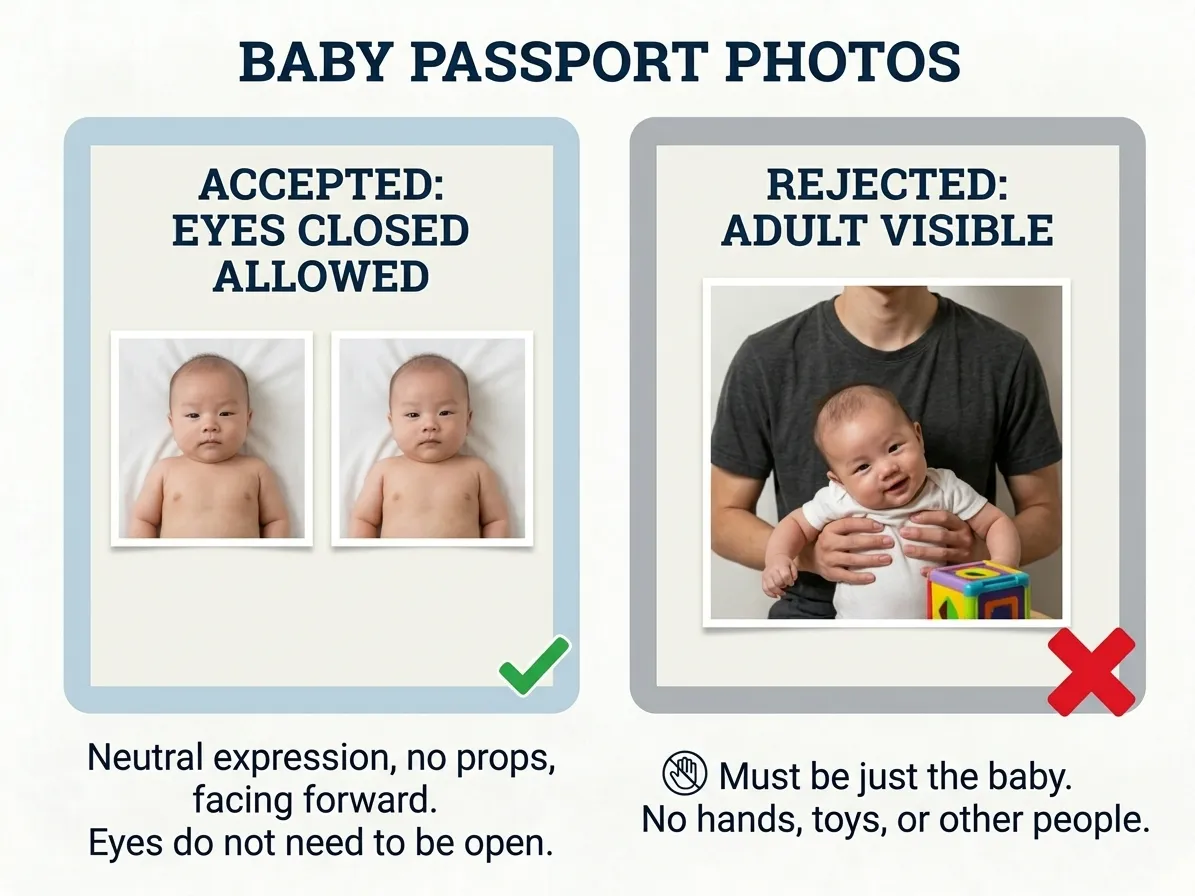
See how PicToPassport handles New Zealand photos
New Zealand photos are 35 mm × 45 mm, yet the background must not be white — so PicToPassport fills it with light grey, cream or another pale tone while holding the head at 65% of the photo including hair. Run it free in your browser and take both outcomes: 2 identical prints for paper, or a 4:3 portrait JPG between 250 KB and 10 MB for an online application. Nothing leaves your device.
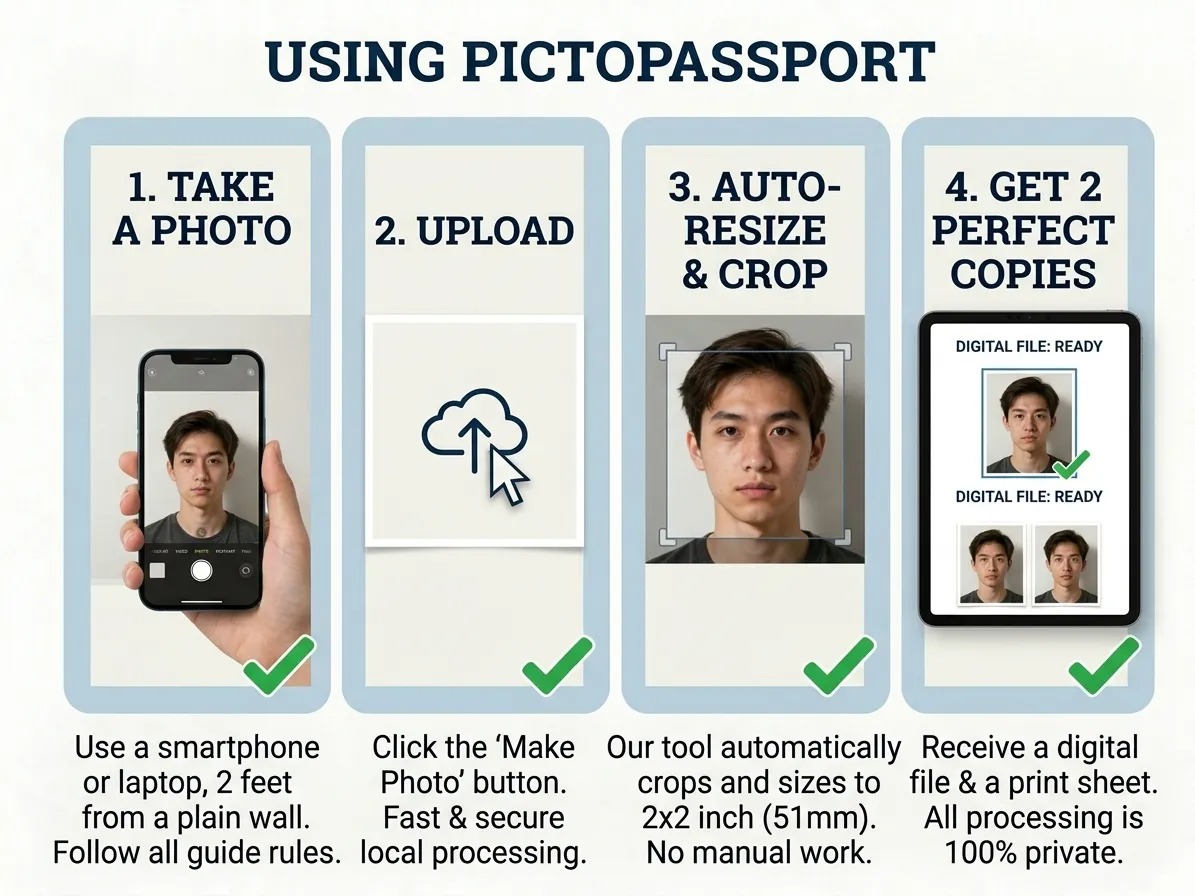
Make New Zealand passport photos in minutes
NZ Passports charges NZD $247 for an adult standard passport, and standard service needs at least 4 weeks (20 working days), with urgent passports taking 3 working days. Your photo can be ready long before that: PicToPassport crops to 35 mm × 45 mm, avoids the white background the office forbids, and runs free and private in your browser with nothing uploaded and nothing leaving your device.


