
















What Every Passport Office Checks
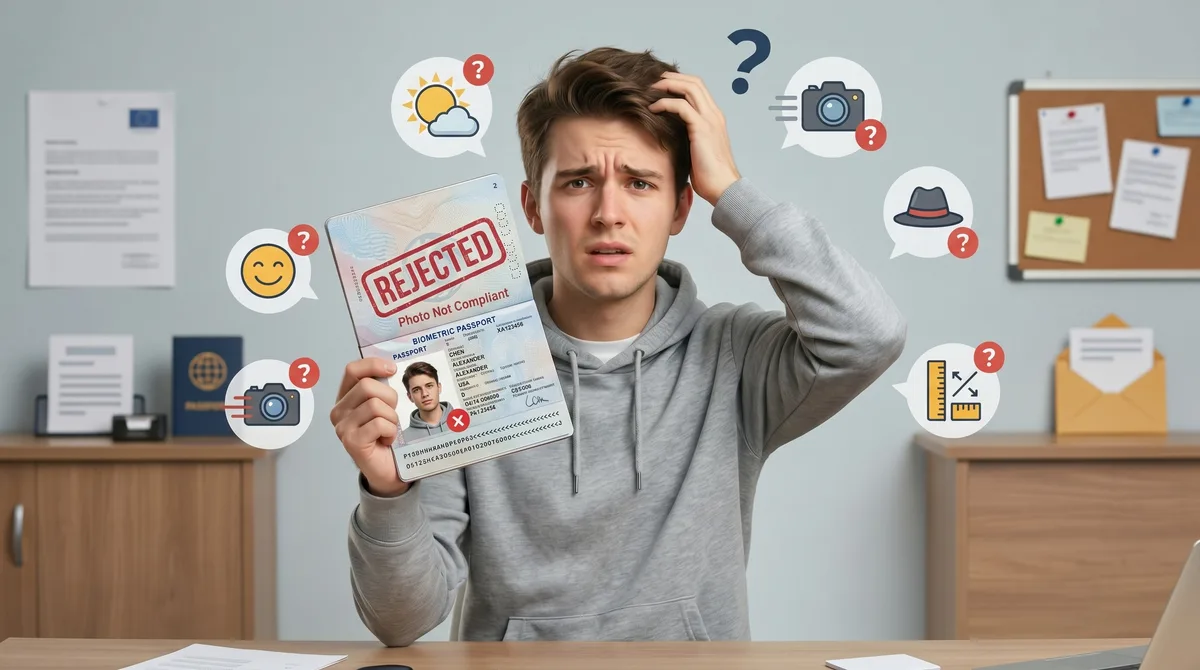
Strip away the paperwork and every authority out there — we cover over 30 countries — is looking at the same handful of details.
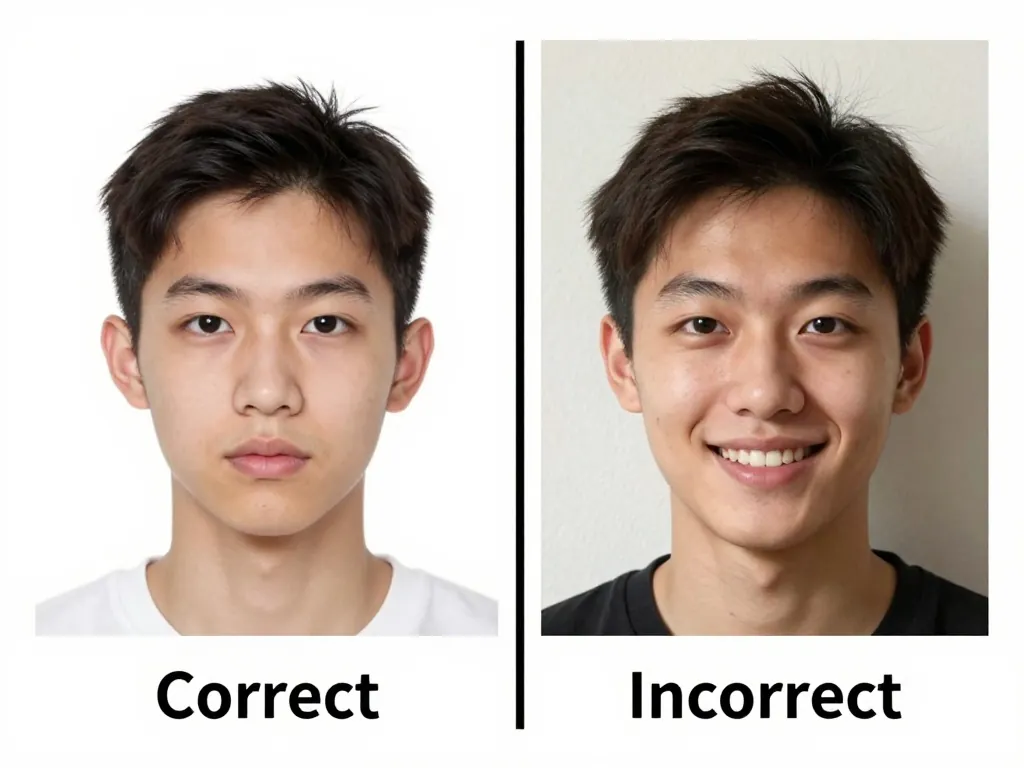
- A plain white or off-white background.
- Light that falls evenly across the face, with no shadow crossing it.
- A neutral expression, eyes open and mouth closed.
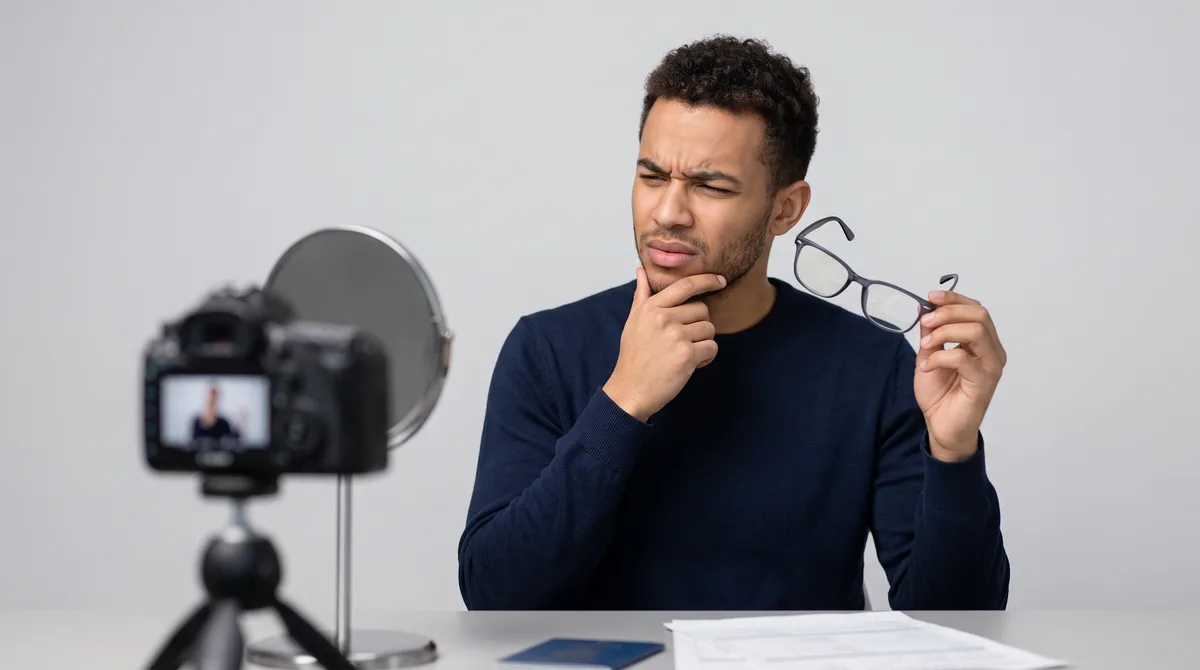
- No glasses and no hat, unless the headwear is religious.
- A face that fills roughly 70 to 80 percent of the frame.
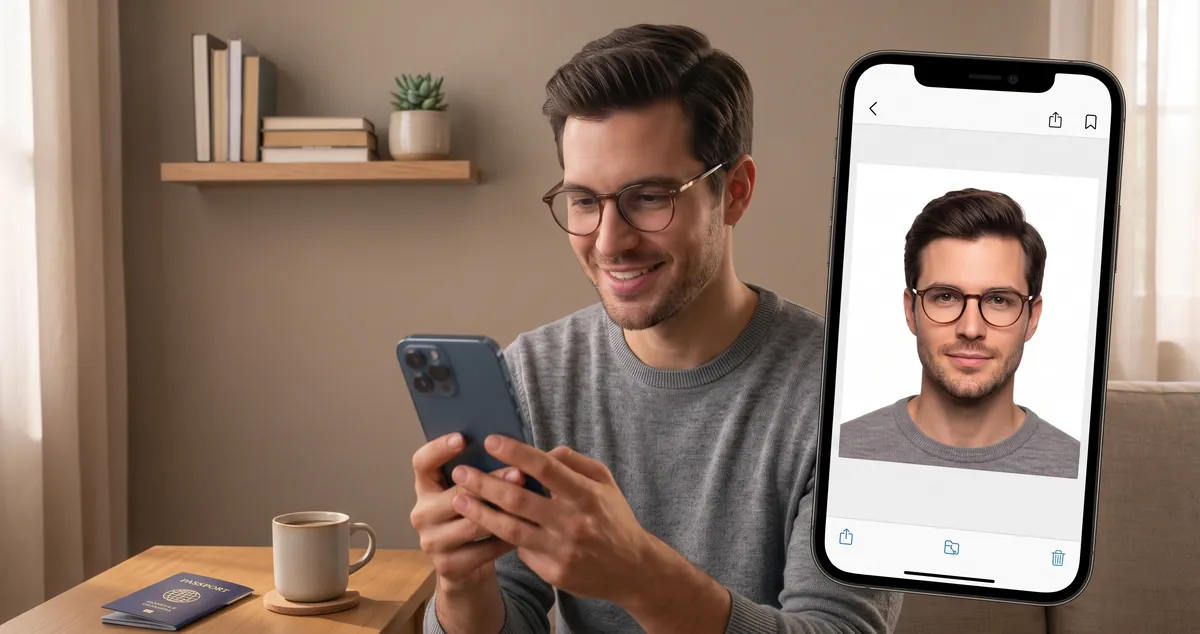
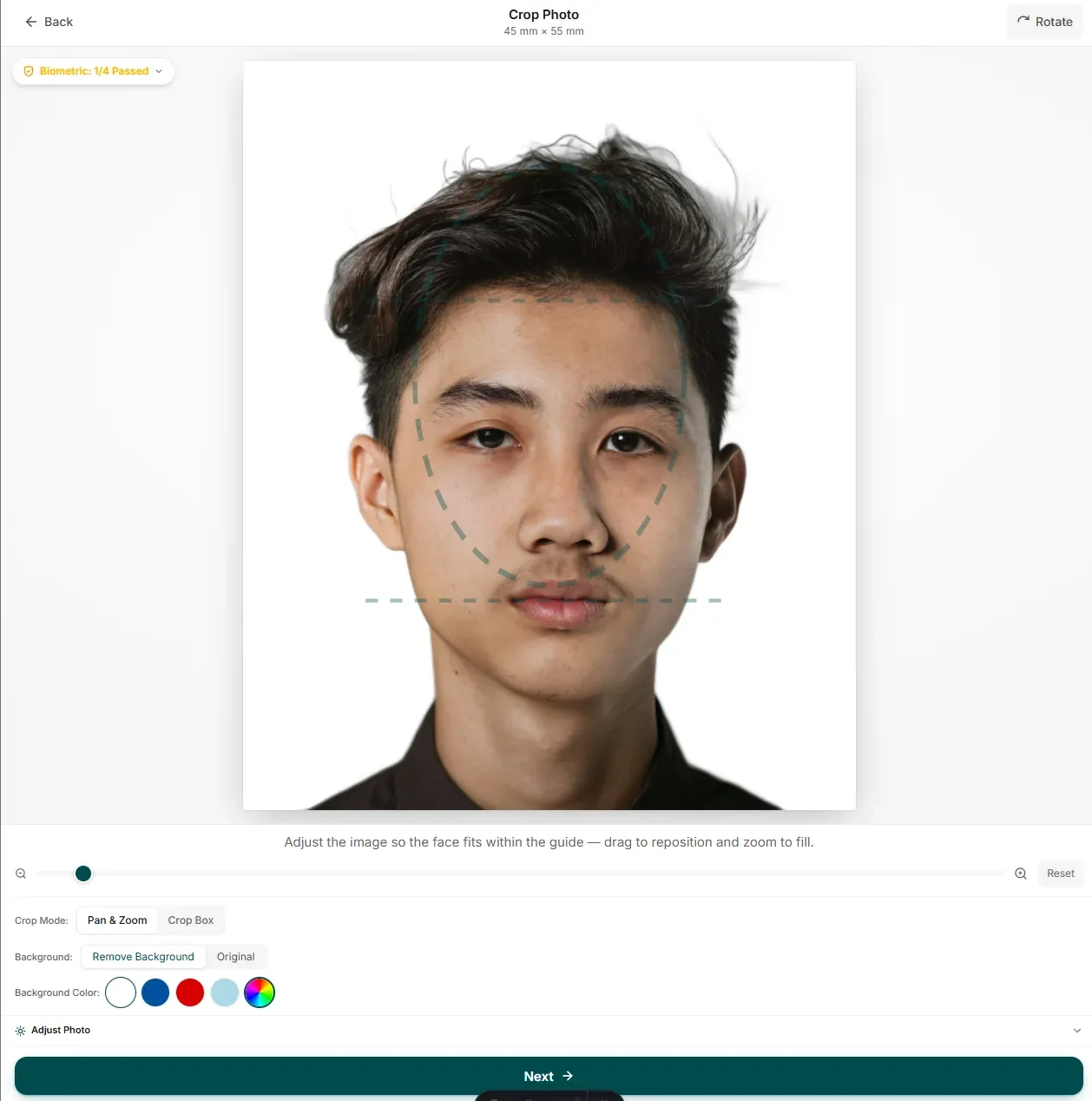
The guide on screen does the measuring for you: line your face up with it and the crop is already the right size. If the background is a mess, one click replaces it with clean white. None of it leaves your device.
The Ten Sizes We See Most Often
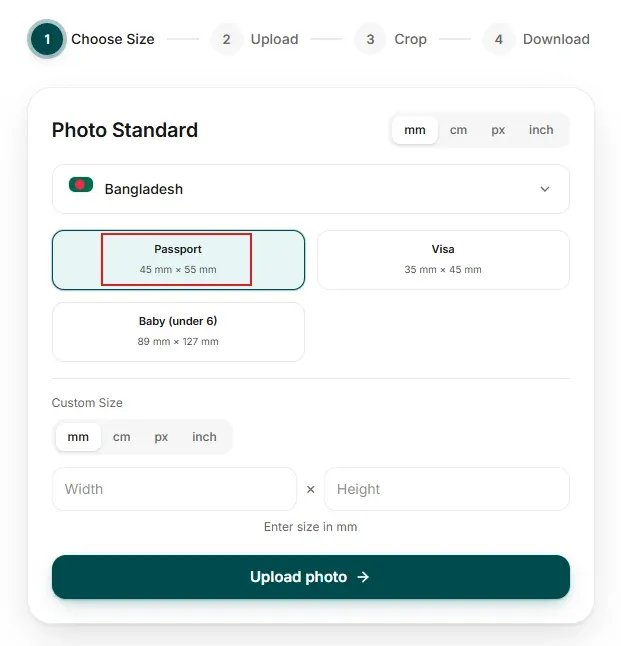
If you only need the numbers, this is the shortlist. Pick your country in the tool above and the frame sets itself, so there is nothing to measure with a ruler.
| Country | Standard Passport Size | Background Color |
|---|---|---|
| United States | 2 × 2 inches (51 × 51 mm) | Plain White |
| United Kingdom | 35 × 45 mm | Light Grey or Cream |
| India | 35 × 45 mm | Plain White |
| Bangladesh | 45 × 55 mm | Plain White |
| Canada | 50 × 70 mm | White or Light Grey |
| Australia | 35 × 45 mm | Plain White |
| Schengen / EU | 35 × 45 mm | Plain White |
| China | 33 × 48 mm | Plain White |
| Japan | 35 × 45 mm | Plain White |
| Philippines | 35 × 45 mm | Plain White |
One row in that table behaves differently from the rest. The US wants a square 2 × 2 in (51 × 51 mm) print where almost everywhere else it is 35 × 45 mm. Make yours in the editor above, drop it onto a 4×6 print sheet, and a pharmacy print costs a few cents. The counter at a passport agency charges closer to $17.
How to Take a Passport Photo at Home
You do not need a studio for this. A phone, a blank wall and a window is genuinely all it takes, and these five steps are the difference between a photo that passes and one that comes back.
- Find a blank wall. Stand a metre or so back from something plain and light-coloured, and clear the space behind you. Door frames, light switches and coat hooks all turn up in the finished crop.
- Use daylight. Face a window during the day so the light falls evenly across your face. Switch off the yellow ceiling light and skip the flash; both wreck skin tone.
- Get the camera to eye level. Have someone else hold the phone about 1.5 metres away. Skip arm-length selfies and tilted angles, and turn off portrait mode, which blurs the edges a biometric check can pick up.
- Pose straight on, looking into the lens, mouth closed and eyes open. Glasses, hats and headphones come off, and hair moves away from the face.
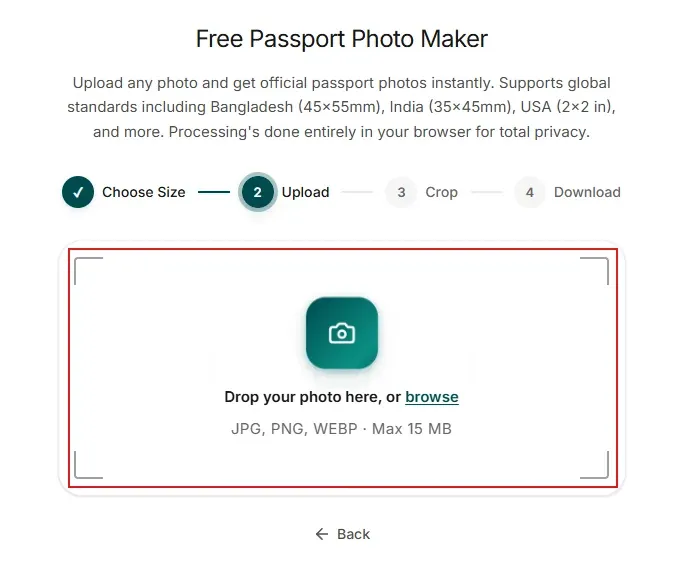
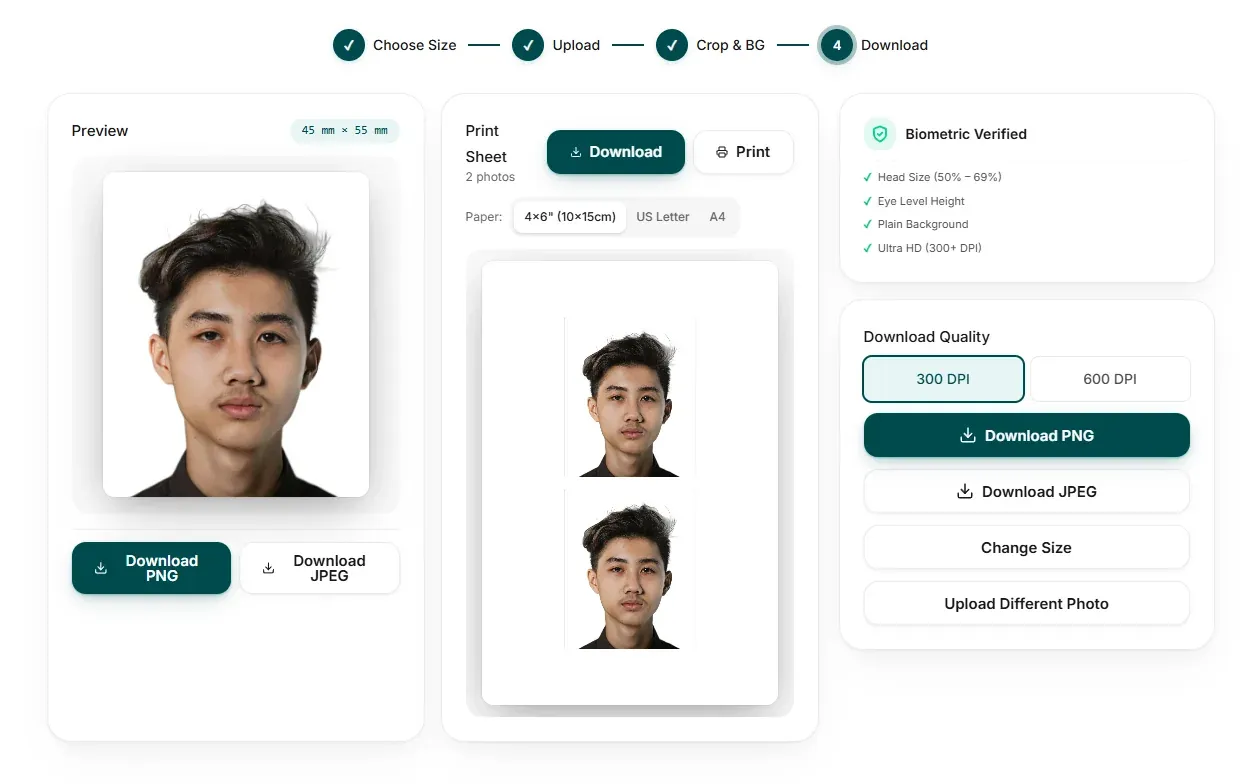
- Then let the tool handle the formatting. Upload it above, line yourself up with the face guide, whiten the background in one click, then download the HD file or a 4x6 print sheet.
Seven Ways Photos Get Rejected
Almost every rejection traces back to one of seven small mistakes, and every one of them can be sorted before you pay for anything.
- Wrong size. A US 2 × 2 in photo gets turned away in the UK, and a 35 × 45 mm one gets turned away in the US. Pick your country before you crop.
- Shadows. A shadow across the face, or on the wall behind you, is the most common reason an otherwise good photo is sent back. Face the daylight and step a little further from the wall.
- Teeth on show. Keep your lips together. A small grin is enough to fail a biometric match, and that is a far slower fix than taking one more shot.
- Filters and retouching. Glasses come off first. No beauty filters, no skin smoothing, no AI enhance — under 2026 rules the US rejects digitally altered photos outright — and no black-and-white conversion while you are there.
- A busy background. Curtains, tiles and other people all disqualify the photo. Plain white only, and the remover here fixes it in one click.
- Head too small, or cropped at the chin. The face should fill 70 to 80 percent of the frame with chin to crown fully visible, which the on-screen guide measures for you.
- An old photo. Most countries want something taken in the last 6 months, and the UK asks for within the last month. New haircut, new beard, new baby face? Take a new photo.
What Free Actually Means Here
There is no paid tier to find and nothing to cancel. No payment step, no watermark stamped across the result, no account to create. The photo is processed in the browser and never uploaded, so it works the same for a passport, a visa, a baby photo or an ID card, and there is nothing to install.
Baby and Child Passport Photos
The rules barely change for a baby, apart from a little more room for a wriggle. Newborns are easiest lying on a white sheet with the camera held directly above. Toddlers do better propped against a plain wall in daylight, and a wall they can lean on is worth more than a perfect pose.
Eyes open if you can manage it, mouth closed, no pacifier, no hat, and no hands in the frame holding the head up. The UK allows closed eyes for babies under a year old, but the US and most other authorities still ask for eyes open. Take ten to fifteen shots in quick succession, pick the calmest one, then crop it and clean up the background here.
DPI, File Size and Background for Online Applications
Online forms turn people away over the file as often as over the face. Three things to get right:
- Resolution and DPI. Start from the sharpest original you have rather than a screenshot. Exports come out at 300 DPI for printing, and as high-resolution JPEG or PNG for portals such as US ESTA, UK gov.uk and the Indian visa site.
- File size. Most portals accept somewhere between 50 KB and 10 MB. Downloads here stay sharp but compact, so the file uploads without throwing a compression error at the last step.
- Background colour. White for the USA, India, Bangladesh, Canada and the Schengen states. Light grey or cream also works for the UK. Set it in the tool before you download.
If you need paper copies as well, the same download covers both: one HD file for the online submission, plus a 4 × 6 inch or A4 sheet carrying 4 to 6 copies for the print shop.
Not Just Passports: Visa, ID, Green Card and OCI Photos
The same editor doubles as a visa photo maker, an ID photo maker and a passport size photo maker. Choose the document you are applying for and the size, background and file specs fill themselves in.
- US visa and Green Card. 2 × 2 in (51 × 51 mm), white background, no glasses. These are the specs the DS-160 and the Diversity Visa portal actually check.
- Schengen and EU visas. 35 × 45 mm on white, with the head measuring 32 to 36 mm. One file covers France, Germany, Italy, Spain and the rest of the Schengen area.
- India visa and OCI. The visa wants a 51 × 51 mm square JPEG between 10 KB and 300 KB, and OCI wants 51 × 51 mm with the face filling 70 to 80 percent. The Indian passport itself is 35 × 45 mm.
- ID cards, driving licences and work permits mostly land on 35 × 45 mm with a white background. For anything else, type the size in yourself — mm, cm, inches or pixels.
Downloading for Online Forms and Print
Online portals want a file, so download the sharp PNG or JPEG. If you need paper copies too, the same photo tiles onto a print-ready sheet holding 4 to 6 copies on A4 or 4 x 6, which you can print at home or hand to any shop.
It all runs on the page you are reading, so the job takes about as long as it takes to choose your country and wait for the preview.
Why People Come Back to PicToPassport
A few of the reasons people keep it in a tab instead of walking to a photo shop:
- Nothing leaves your browser. The photo is processed on your own device. No account, no upload, and nothing kept on a server afterwards.
- Presets for over 30 countries, including USA, UK, India and Bangladesh, each set to that country's own dimensions and background colour. Pick one and the frame is already right.
- Free, and the resolution is not the thing that gets cut. You get an HD download with no watermark across it.
- Print-ready. Several copies on a single A4 or 4x6 page when paper is what the form actually asks for.
- The face guide follows the same head-height rules the passport offices apply, so lining yourself up takes seconds instead of trial and error.